Extending the end date of your collection
Need more time? This video shows you how to extend your collection end date or end your collection early whenever you need to.

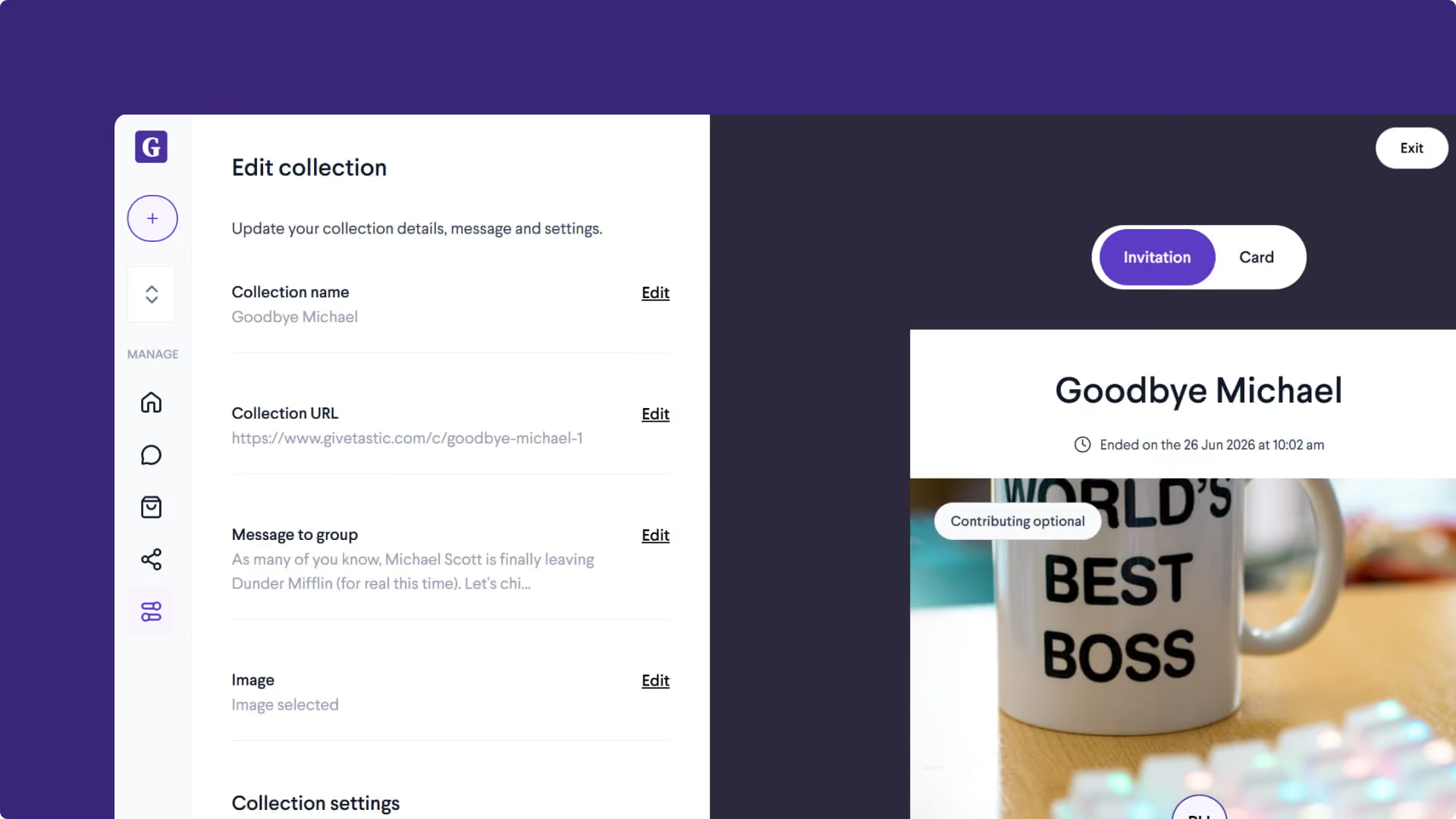
1193542010
How to extend your card or collection end date
1. Open your collection
From your dashboard, open the card and collection you want to extend.
2. Select Edit
Choose Edit from the sidebar menu.
3. Open Collection Settings
Find the Collection Settings section and select the edit link.
4. Choose a new end date
Select the new date and time you would like your collection to remain open until.
5. Save your changes
Save the updated settings. Your card and collection will now stay open until the new end date.