Extend the Collection End Date
Need a bit more time to collect messages or contributions? Here's how to extend your collection.

1194698860
How to extend your collection end date
- Open your collection
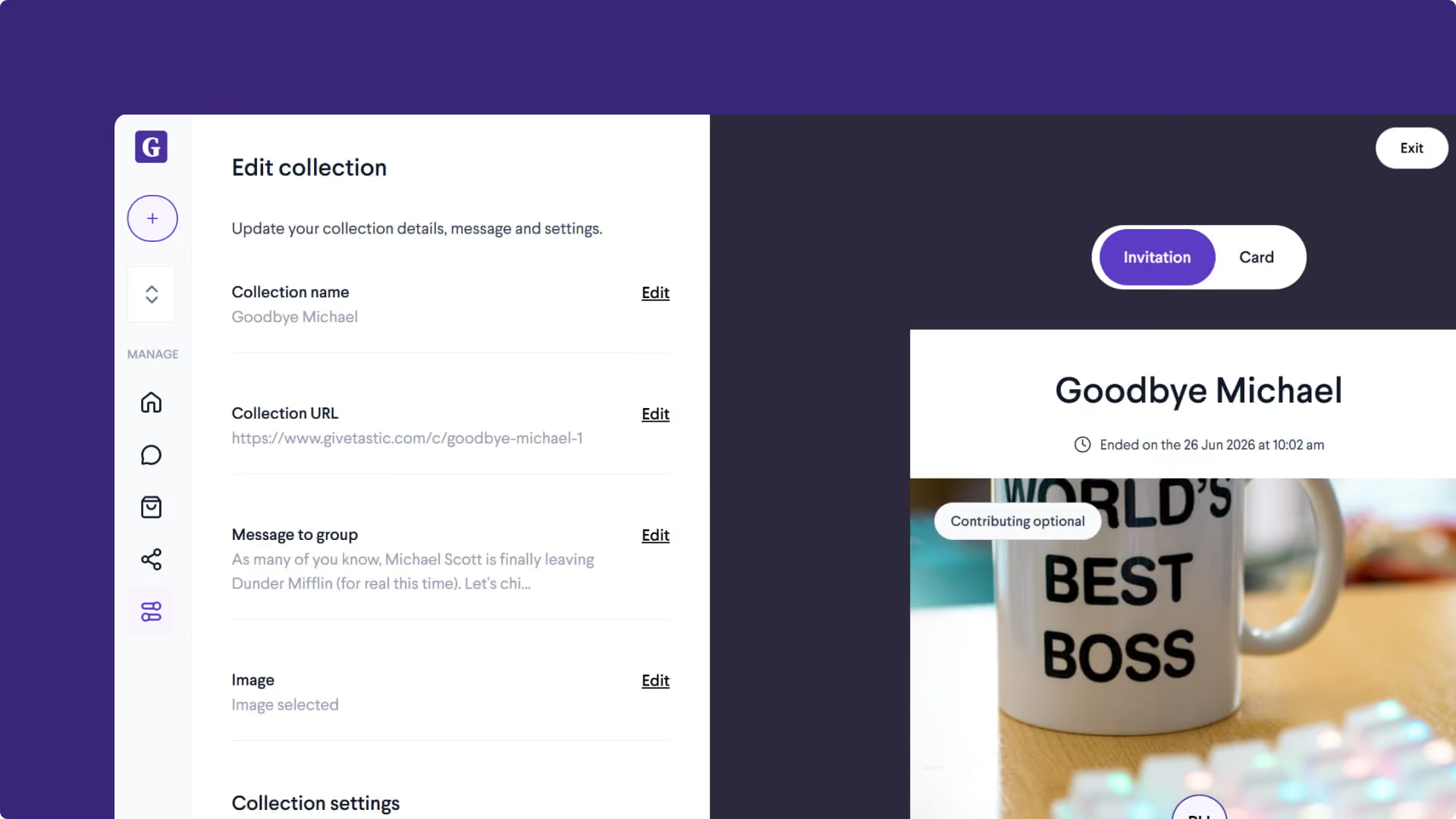
In your dashboard, open the collection you want to update. - Select Edit
Select Edit from the sidebar menu. - Find the End date field
In the Collection settings section, find the End date field, then select the edit link. - Choose your new date
Choose your new end date and time, then save your changes.