Getting started with a group card & collection
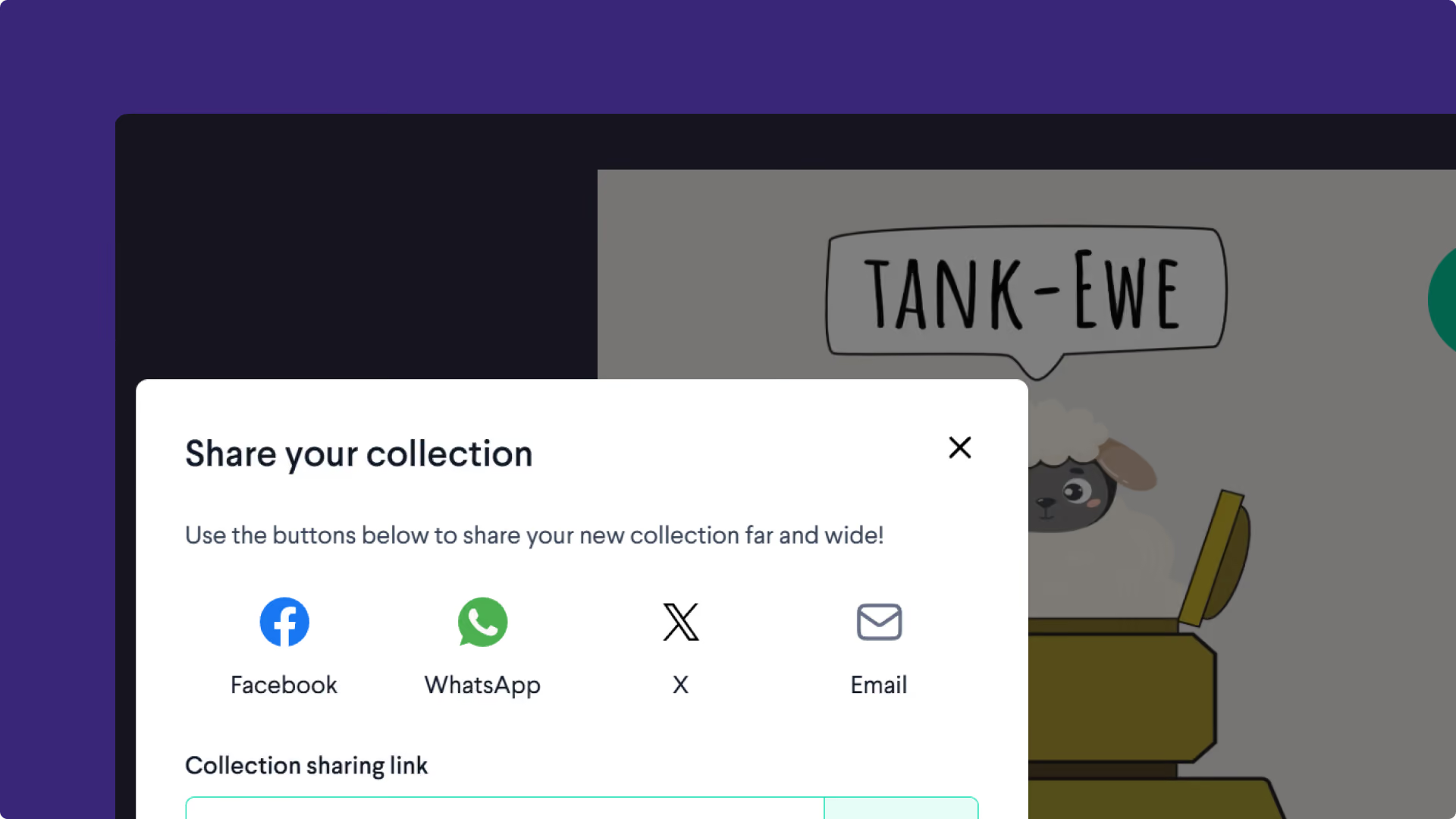
New to Givetastic? This video covers the most common tasks you'll use to manage your group card and collection, helping you get up and running in just a few minutes.

1208385238
Update the Invitation Message and Title
Need to update your Collection name or message to the group? Here's how to update your invitation page.
1193542014
- Open Edit
Open your collection and select Edit from the sidebar menu. - Update the Collection name
Select the edit link next to the Collection name field, enter your new title, and click Save. - Update the message to the group
Select the Message to group field, update the text, and click Save.
Update the Image on the Invitation Page
Looking to add an image to your invitation page? Here's how to update it.
1193542194
- Open Edit
Open your collection and select Edit from the sidebar menu. - Open the Image field
Select the edit link next to the Image field, then click Change. - Choose or upload an image
Choose an image from the gallery, or upload your own personalised image. - Crop and save
Crop the image to suit your page, then click Done. Your image will update and save automatically.
Edit or change the group card
Learn how to edit your group card, including changing the card design and updating the message.
1193542011
1. Open your collection
From your dashboard, open the card and collection you want to update.
2. Select Edit
Choose Edit from the sidebar menu.
3. Switch to the Card view
Above the invitation preview, select Card to view the available designs.
4. Browse the card designs
Use the filters to explore different occasions and styles. You can also preview a card before selecting it.
5. Choose your new card
Select the design you want to use. Your new card will save automatically.
6. Personalise the front of the card
Select the green Edit button, choose the text you want to change, and enter your new message. Your changes will save automatically.