Sharing your card and collection with your group

1193542013
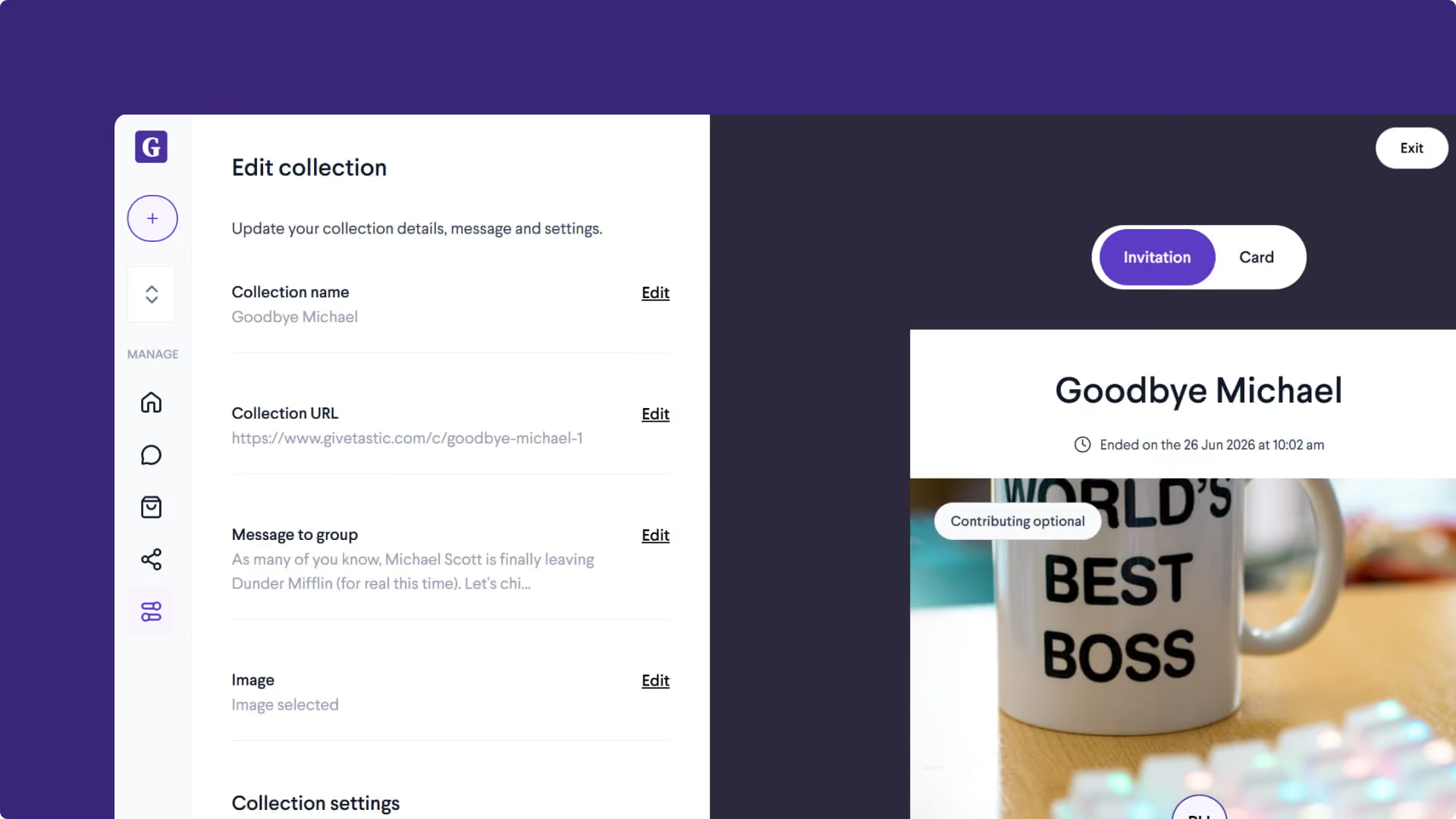
How to share your collection or group card
1. Open the share page
Open your card and collection, then select Share from the sidebar menu.
2. Copy or personalise your link
Copy the direct link to your card and collection. You can also edit the URL to make it easier to recognise and share.
3. Share the QR code
Download or share the QR code so people can quickly open your card and collection. This is useful for sharing in person or through platforms such as Slack and Microsoft Teams.
4. Send email invitations
Select Send invitations, then enter the email addresses of the people you would like to invite.
5. Check your invitations
The invitation table shows who has been invited and the delivery status of each email. You can also resend an invitation when needed.
You can access the sharing options at any time by selecting the Share button in the top-right corner of your dashboard.