Editing Your Sharing URL
Planning to share your collection or card with a personalised link instead? You can change the URL at any time from your dashboard.

1208437626
How to edit your sharing URL
- Open your collection or card
Open the collection or card you'd like to update. - Select Edit
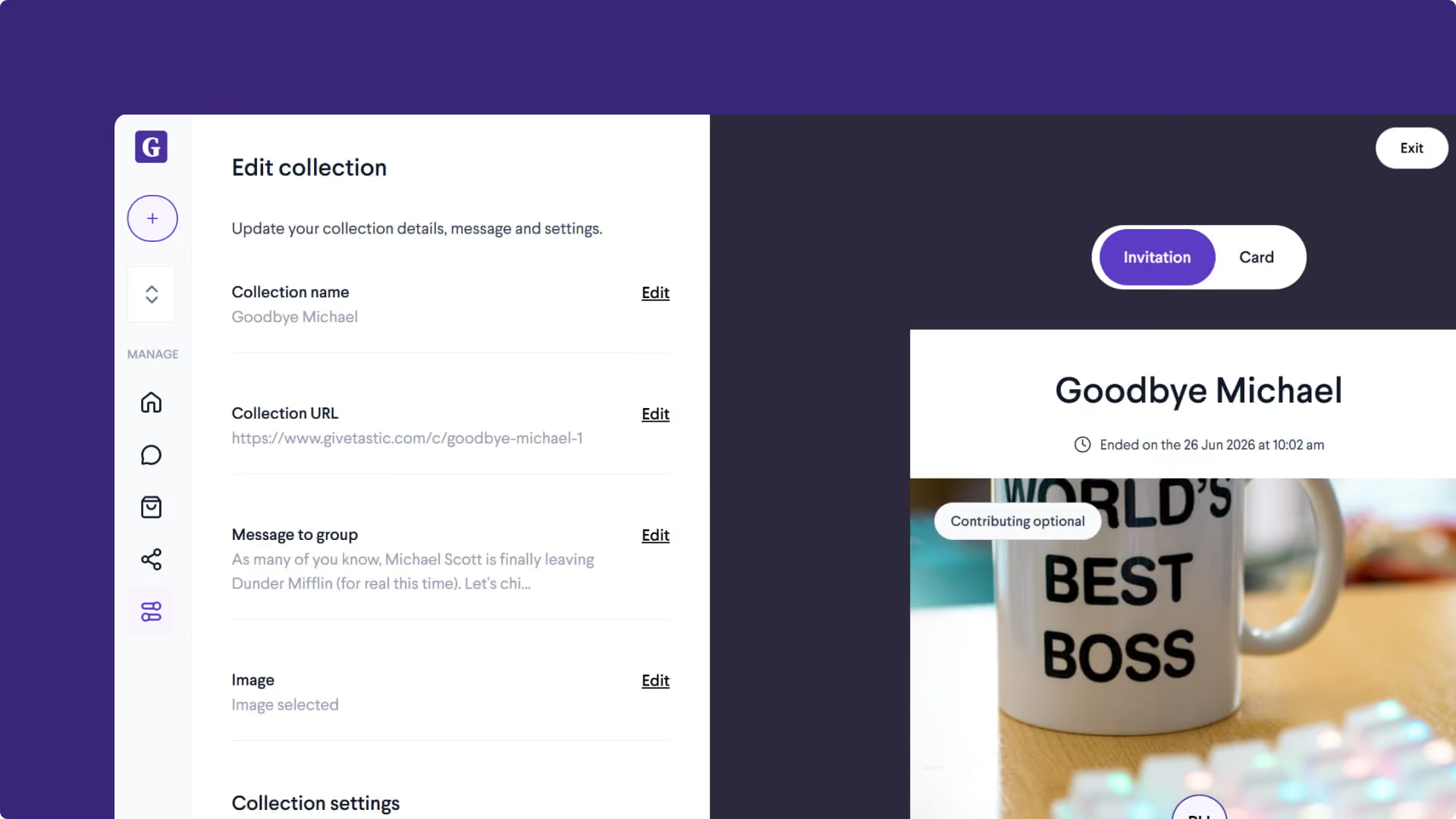
Select Edit from the menu on the left. - Edit the URL
Locate Collection URL or Card URL in the left-side settings and select Edit. - Save your new URL
Enter your new URL, then click Save to apply the changes. Once changed, the previous link will no longer work — resend the new one if you've already shared it.