Show the Total Raised on the Collection Page
Looking to show the total amount collected on your collection page? Here's how to update it.

1194698861
How to show the total raised on the collection page
- Open your collection
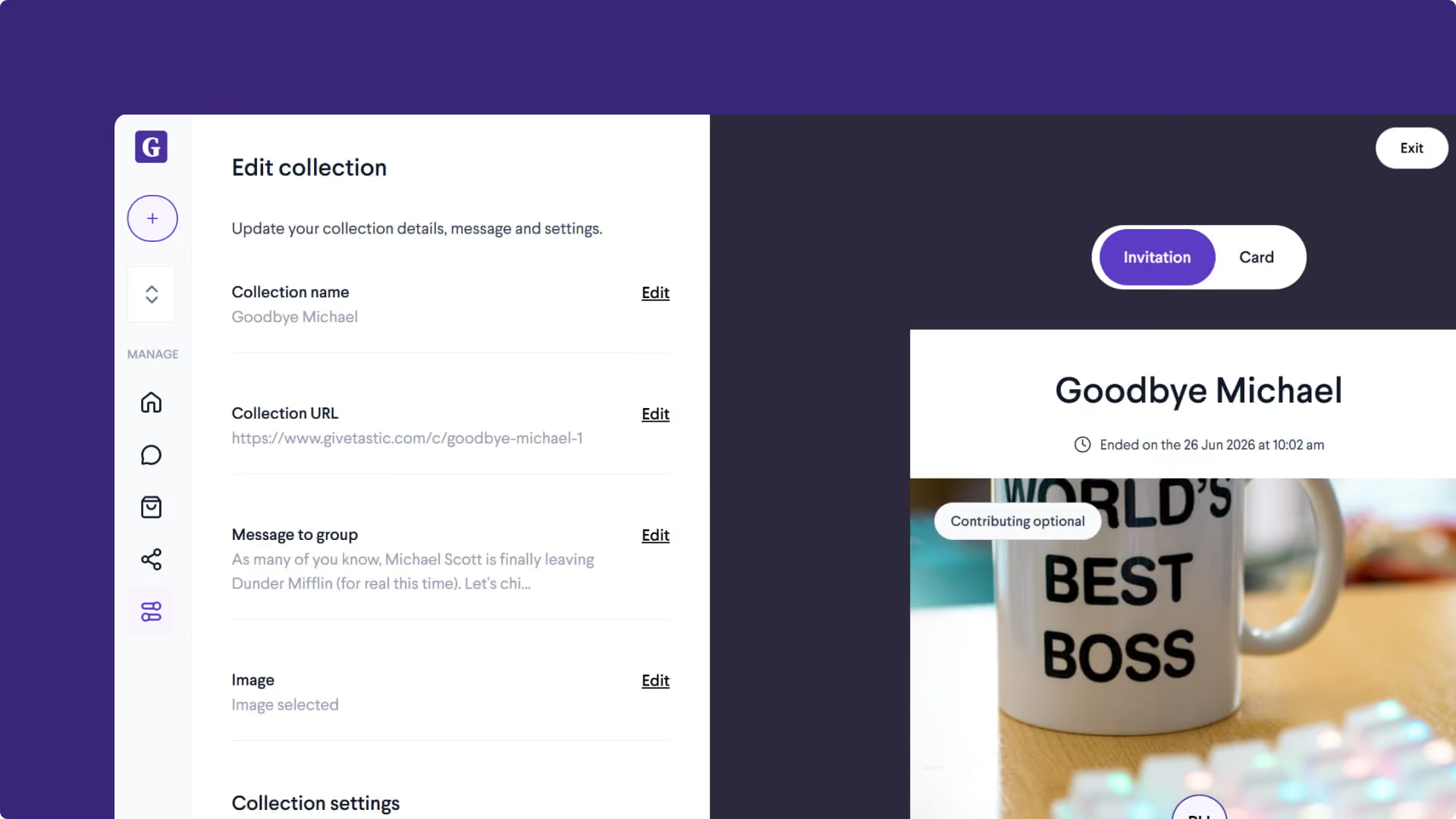
Open your collection, then select Edit from the sidebar menu. - Find Collection settings
Scroll down to Collection settings to find a range of settings for your collection. - Turn on Show total collected
Select Show total collected on the collection page, then toggle on the show total feature. - Save
Click Save. The amount collected and number of contributors will now display on the collection page.