Update Your Collection Name or Message to the Group
Need to update your Collection name or message to the group? Here's how to update it.

1194698862
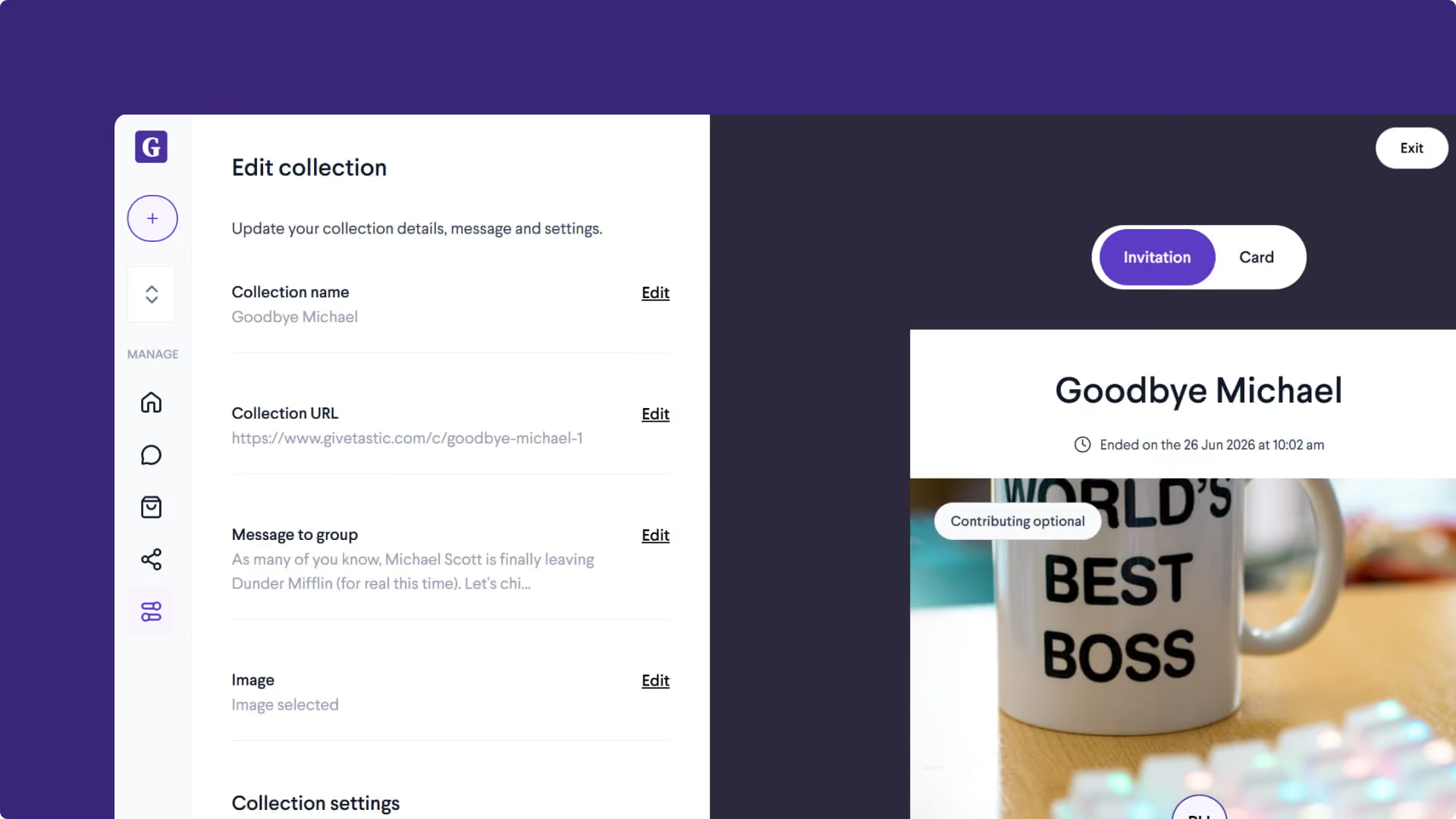
How to update your collection name or message
- Open Edit
Open your collection and select Edit from the sidebar menu. - Update the Collection name
Select the edit link next to the Collection name field, enter your new title, and click Save. - Update the message to the group
Select the Message to group field, update the text, and click Save.