Update the wedding/honeymoon collection URL
Want to update the URL for your wedding or honeymoon collection? Here's how to change it to a shorter, easier-to-share link.

1209871198
How to update your Wedding / Honeymoon collection URL
- Open your collection
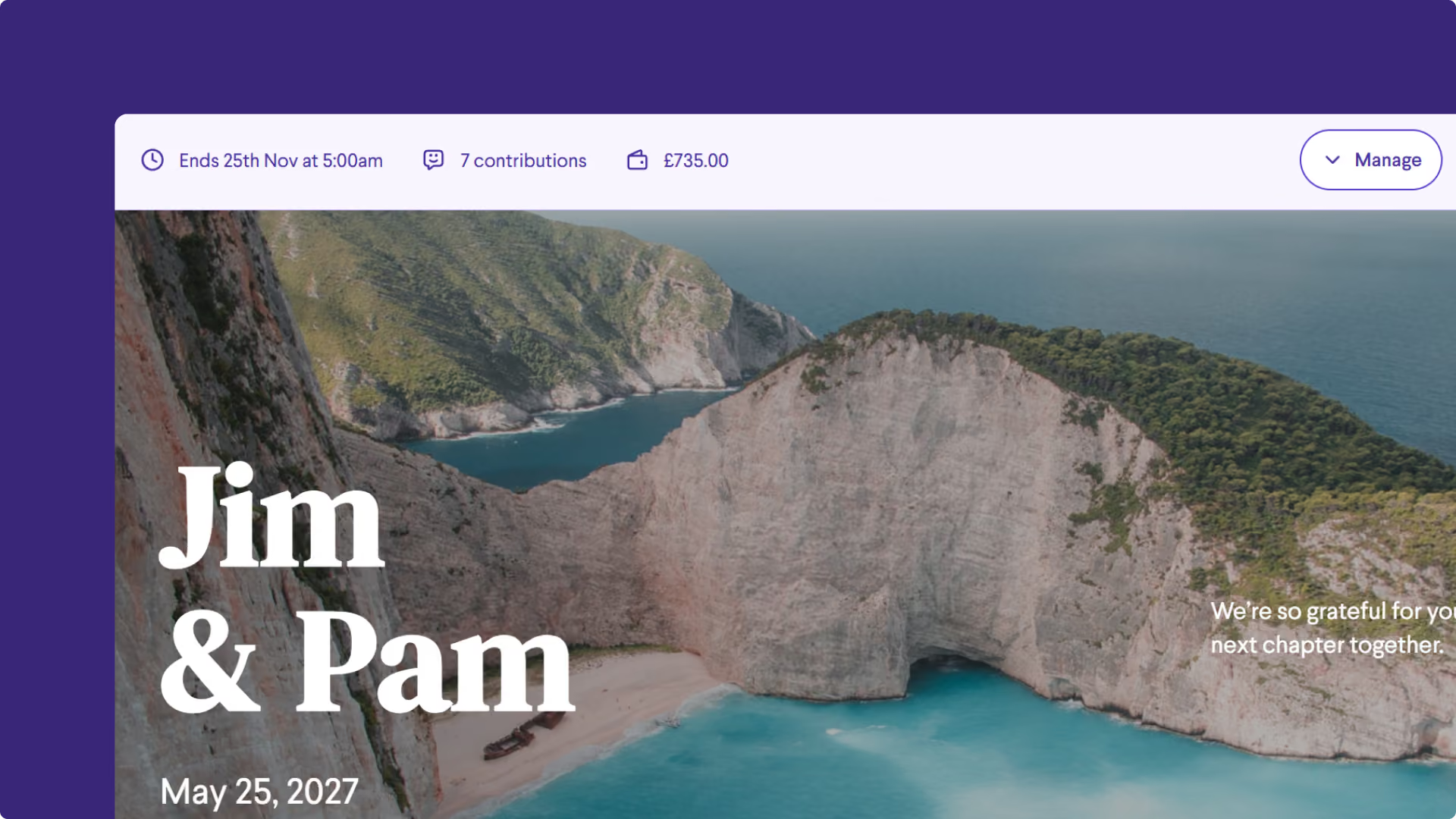
From your dashboard, open the collection you want to update by clicking Manage. - Select Edit
From the sidebar menu, select Edit to see the main editing options and your collection settings. - Open the Collection URL field
Click on the "Collection URL" field — this is the link you share with friends and family. - Update and save
Change the link to something short and easy to remember, then click Save. Your new URL is live and ready to share.