Update the Images & Content on Your Wedding & Honeymoon Collection
Want to personalize your wedding or honeymoon collection? Here's how to update the header image, group message, and add extra photos.

1209872945
How to update the images and content on your Wedding / Honeymoon collection
- Update your header image
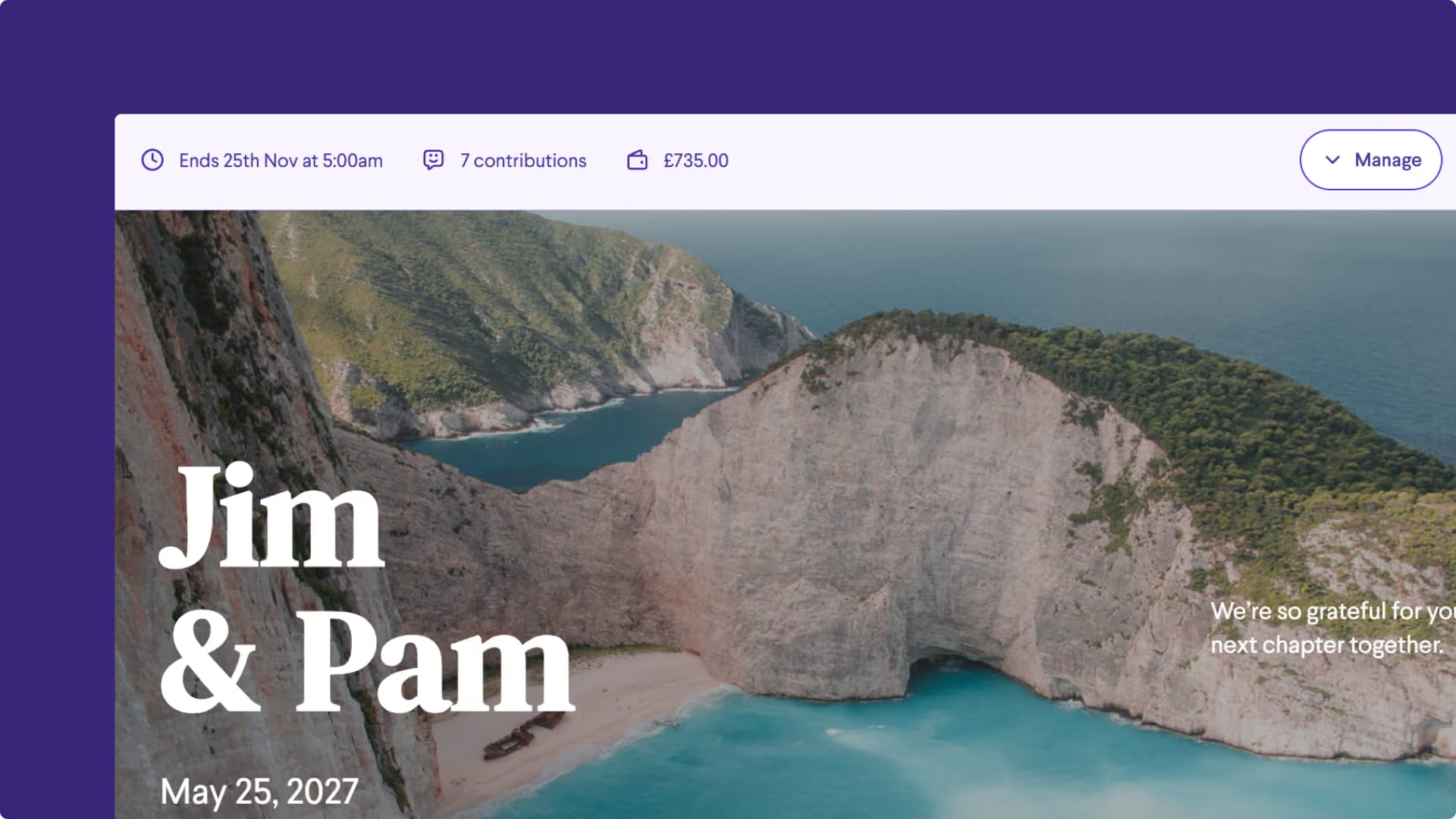
Select the "Edit Header Image" field, then upload your own image or choose one from our gallery. Search for the type of image you'd like and select it — it will update automatically. - Edit the message to the group
Select the "Message to the group" field, update the wording with your own personal touches, then click Save. - Add extra images
Personalize further by uploading a couple profile image, or adding an image to the message to the group via the relevant image field.